Anthropic has shipped an update to Claude Design that expands control options for two very different types of users: the growing class of vibe coders who build apps through natural language prompts, and the professional designers who often have to clean up after them. The changes reflect a broader push by Anthropic to make Claude useful not just for generating code, but for producing interfaces that can actually ship.
What Changed in Claude Design
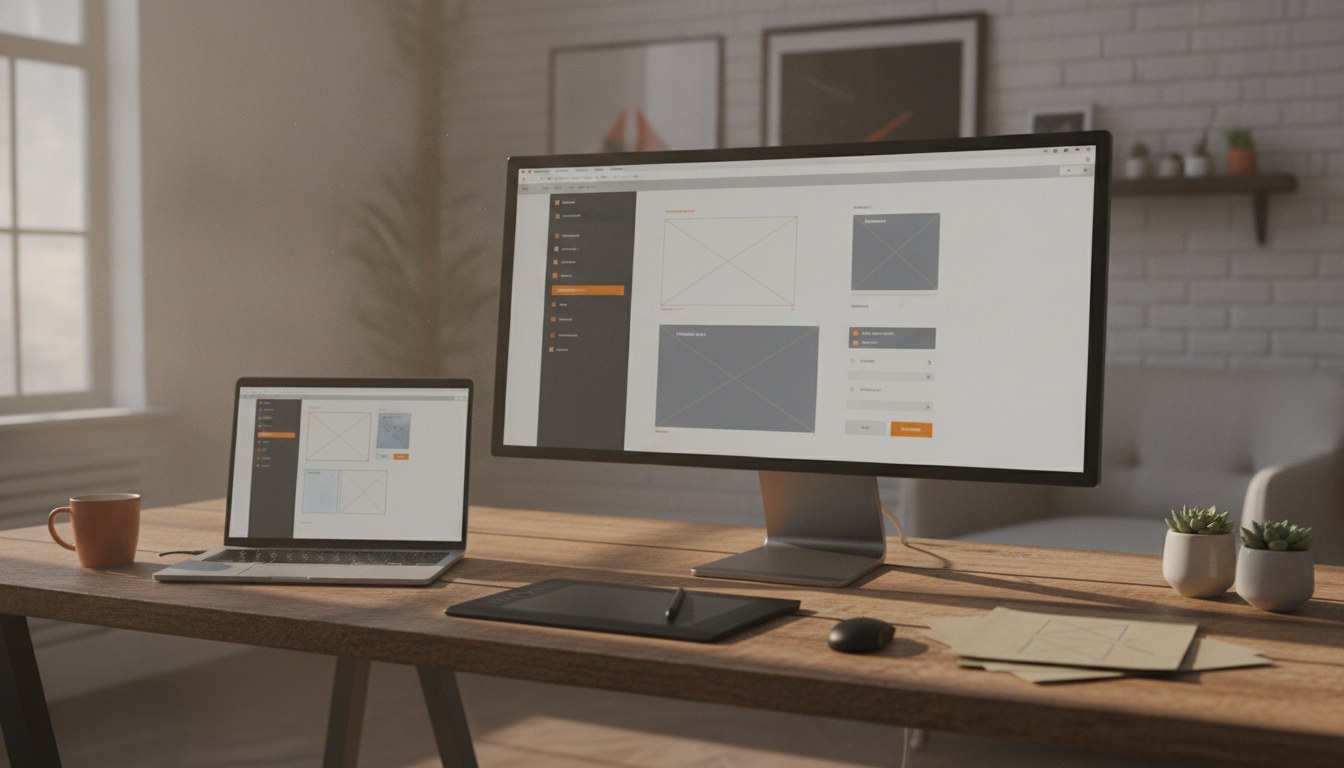
The updated tool introduces finer-grained settings that let users guide visual output more precisely. Where the earlier version leaned heavily on Claude's own aesthetic judgment, the new release lets designers specify layout constraints, spacing systems, and component behavior more directly. For vibe coders, this means fewer rounds of back-and-forth prompting to land on something usable. For design leads overseeing those coders, it means less remediation work before handing off to engineering. The update builds on earlier integration work detailed in Anthropic's tighter Claude Code integration, which began connecting the design layer more directly to code output pipelines.
Key Facts
- Claude Design now supports more explicit layout and spacing constraints
- Designers can override Claude's default aesthetic choices at the component level
- The update is aimed at both solo vibe coders and professional design teams
- Changes build on previous Claude Code integration work
- Anthropic framed the update as addressing a workflow gap between prototyping and production
The timing is notable. Vibe coding has gone from a niche experiment to a genuine workflow pattern inside startups and product teams. Tools that can generate a working UI from a text prompt have real appeal, but the gap between "looks okay in a demo" and "meets our design system" has been a persistent frustration. Anthropic's update is a direct response to that friction. The company has also been refining how Claude handles iterative design work, as covered in the Claude Design overhaul focused on code round-trips.
The goal is to make Claude useful at both ends of the design workflow, not just for the person starting from scratch but for the team that has to maintain what gets built.Anthropic spokesperson, via Fast Company
The Bigger Picture for Anthropic's Product Strategy
This release fits into a pattern of Anthropic expanding Claude beyond conversational use cases and into professional tooling. The company has been under pressure to show that its safety-focused approach does not come at the cost of product capability. That tension between caution and competitive output has become a recurring theme as rivals push feature releases at a faster pace. Claude Design is one of the clearest examples of Anthropic trying to capture a workflow end-to-end rather than just providing an underlying model that others build on top of.
For design teams evaluating AI tools, the update signals that Anthropic is paying attention to professional use cases and not just developer or consumer workflows. Whether the new controls go far enough to satisfy experienced designers working within strict brand systems remains an open question. But the direction is clear. Anthropic wants Claude to sit inside the design process, not just at the start of it. That ambition will be tested as more teams put the updated tool into daily use and report back on where the gaps remain.