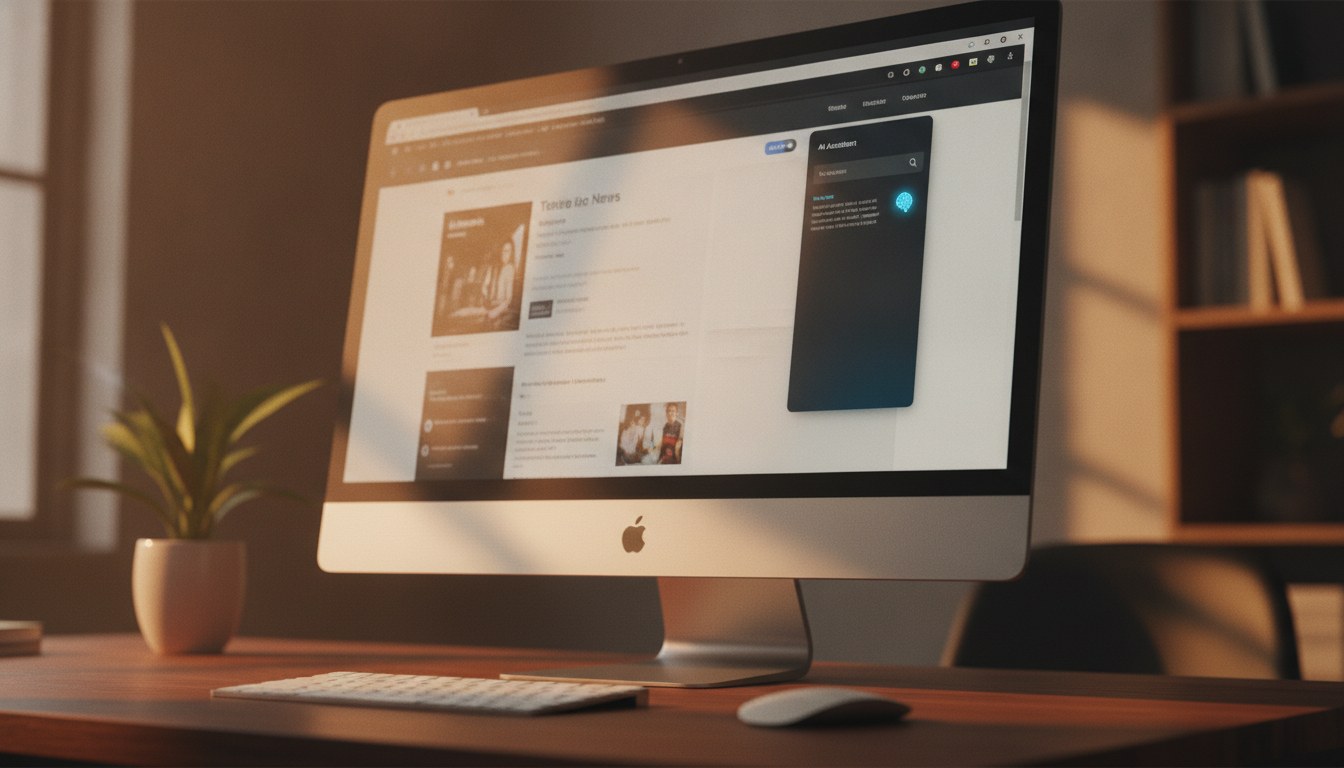
Claude Cowork, the browser-based interface built around Anthropic's Claude AI, can now run inside a Chrome sidebar. The update means users can keep the assistant open in a persistent side panel while browsing, working on documents, or doing research, without opening a separate tab or switching between windows. It is a small but practical change that could meaningfully affect how people integrate AI assistance into day-to-day computer work.
What the Sidebar Mode Does
Chrome's sidebar API lets extensions occupy a vertical panel on the right side of the browser window, sitting alongside whatever page the user is viewing. For Claude Cowork, that means the assistant stays visible and interactive while users read articles, fill out forms, or reference other web content. Previously, using Claude in a browser meant toggling between tabs, which interrupts focus and adds friction. The sidebar approach keeps the conversation continuous. Claude can already watch videos and learn your job, so having it persistently available in a sidebar extends that ambient-assistant concept further into everyday browsing.
Key Facts
- Claude Cowork now supports Chrome's built-in sidebar panel
- The sidebar stays open alongside any active browser tab
- No tab-switching required to access the assistant mid-task
- The update was reported by Engadget
- Feature is available through the Claude Cowork Chrome extension
The timing is notable. Anthropic has been expanding Claude's reach across third-party platforms and workflows at a steady pace. Recent months have seen the assistant gain integrations with password managers, shopping tools, and video content. Adding sidebar support in Chrome fits that pattern, positioning Claude as a tool that works alongside other software rather than requiring users to come to it.
"The sidebar approach keeps the conversation continuous."ClaudeAINews.com analysis
Browser AI Is Getting More Competitive
Sidebar AI tools are becoming a crowded space. Microsoft's Copilot has shipped as a sidebar feature in Edge for some time, and Google's own Gemini integration sits inside Chrome for some users. Claude Cowork entering the sidebar format puts it in direct competition with those tools for users who spend most of their work inside a browser. The distinction is likely to come down to the underlying model quality and how well the extension handles context from the active page. Anthropic's revenue run rate recently hit $47 billion, driven partly by aggressive product expansion, and browser integration is a clear part of that push.
For users already inside the Claude ecosystem, the update is a convenience gain. Keeping a conversation going while referencing a webpage, drafting a reply to an email, or checking facts in another tab all become simpler with a persistent panel. The sidebar does not require the user to copy and paste content between windows, since the Claude interface remains in view throughout. It is the kind of friction reduction that tends to increase how often a tool actually gets used.
Whether Cowork can surface context from the active page automatically, the way some competing extensions do, is not yet fully detailed in available reporting. That capability would significantly raise the usefulness of the sidebar format. As it stands, the update is a clear step toward making Claude feel like part of the browser rather than an external service users have to visit separately. Claude's integration with 1Password credentials earlier this year showed a similar instinct, embedding the assistant deeper into existing tools rather than asking users to change their habits.
For anyone who regularly uses Claude for writing, research, or coding help, testing the sidebar mode is worth a few minutes. The extension update is available through the Chrome Web Store via the Claude Cowork listing.